See the drawing
View DWG and DXF with access to the file’s layers, model and layouts.
ABOUT CAD ASSISTANT
Bring viewing, checking and notes into one Android / iOS tool so your review can continue away from your computer.
 CAD Assistant
A site visit, engineering check or lesson can all call for a drawing on hand. CAD Assistant brings local viewing, measurement, markup and export together on your phone to help with those tasks.
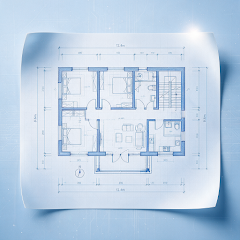
View DWG and DXF with access to the file’s layers, model and layouts.
Use four measurement modes to check dimensions and markup to highlight areas of interest.
Local viewing does not require uploading drawings. Check data handling before separately enabling a remote service.
CAD Assistant is developed by 佛山市全栈科技有限公司, with official Google Play and App Store listings for Android and iOS. Check the relevant store for features, release availability, installation details and updates.
Get it on Google PlayRead a guide or describe your question using the public support email.
Visit contact & supportGOOGLE PLAY · APP STORE
Install CAD Assistant to view, measure, mark up and export locally.
Check the relevant app store for device compatibility, features and installation requirements
