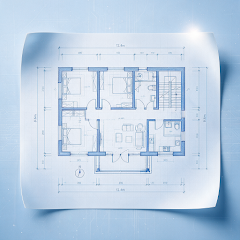
TOOLS FOR MOBILE REVIEW
Check the dimensions. Right on the drawing.
Choose a measurement mode, use endpoint or center snapping, set scale and precision, then review the results.


Android / iOS · Check the relevant store for compatibility and features

HOW IT HELPS
Choose the right way to measure.
Length, continuous, area and angle modes cover everyday checks. Results stay together in the measurement panel for review.
- Length, continuous, area and angle modes
- Endpoint / center snapping, scale and precision settings
- Measurement history, undo a point and clear results
Connect each reading to its position.
Confirm the drawing’s units and scale, then use endpoint or center snapping to place points. Read each result in the context of the selected geometry.
Read the guideTake a drawing measurement.
- 01
Check the drawing
Open the file and confirm its units, view and the area you need to measure.
- 02
Choose a mode and points
Select length, continuous, area or angle. Adjust scale, precision and object snapping as needed.
- 03
Review the result
Revisit records in the measurement panel. Undo the last point or clear results when you need to adjust.
Keep your review moving.
Explore other tools for the task at hand.
FAQ
Common questions
Get answers about files, offline use and export before you open a drawing.
GOOGLE PLAY · APP STORE
Open your next drawing on your phone.
Install CAD Assistant to view, measure, mark up and export locally.
Check the relevant app store for device compatibility, features and installation requirements