Getting started
Switch model and layout views
Choose the right viewing entry point in the file’s Model and Layout tabs.
Model and layout
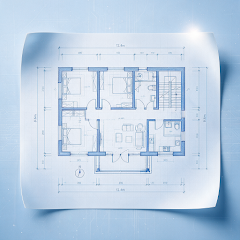
Model space usually contains design objects, while Layout organizes drawing presentation. The app provides access to the file’s model and layout tabs; their contents depend on the original file.
Choose a view for your task
Use the model to understand design objects and a layout to inspect pages organized by the author. If views differ, check the selected view and visible layers before investigating a file problem.
Follow the current file’s structure
The number and contents of layouts vary by file. A sample drawing does not define the structure of every drawing.
Screens and available features depend on the version installed.
View all guides